Give your crew the whole day. They won’t need to call you.
Every stop, your notes and their hours are on the phone in their pocket — and what they do out there is in your office before the truck moves.
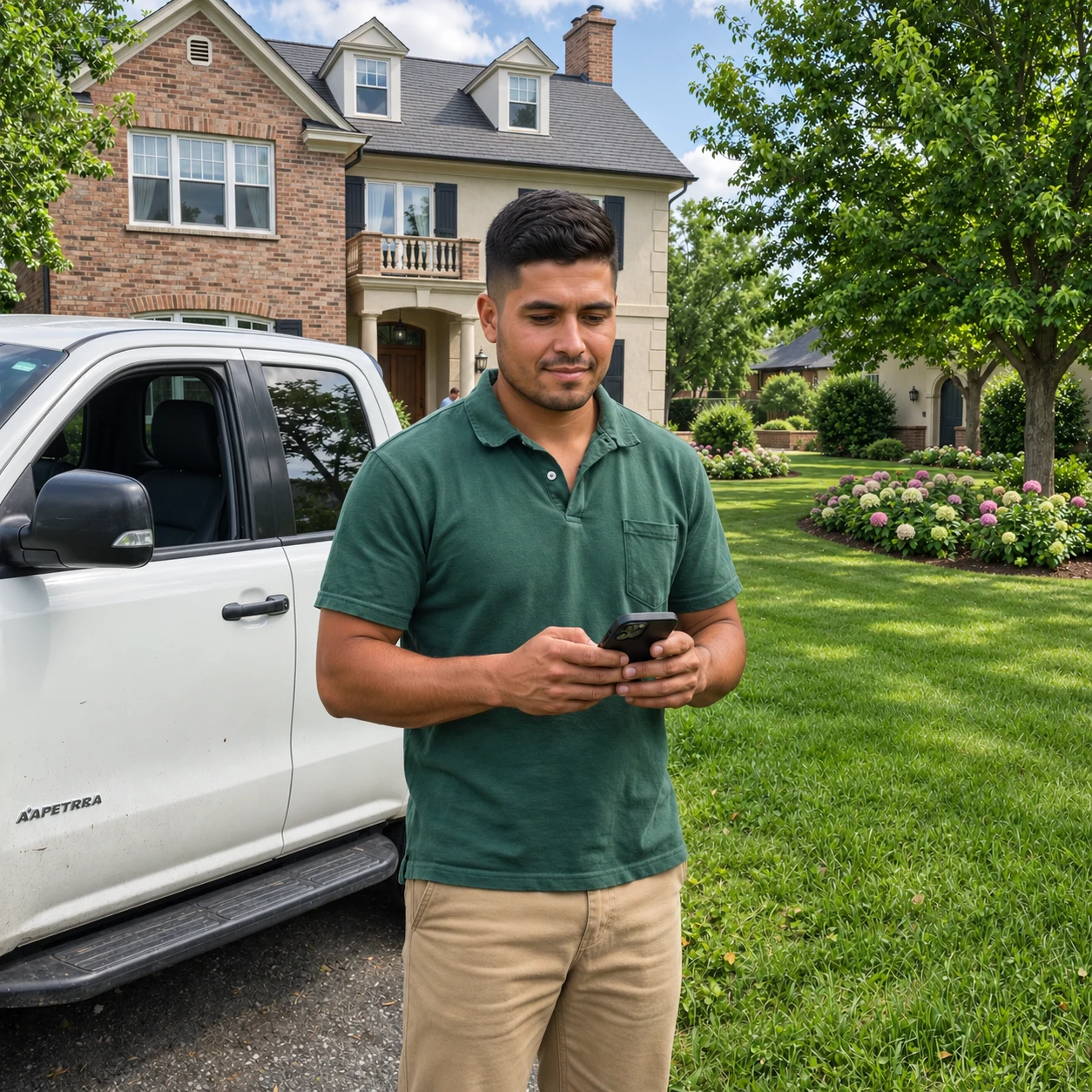
“Will he know where he’s going without calling me?”
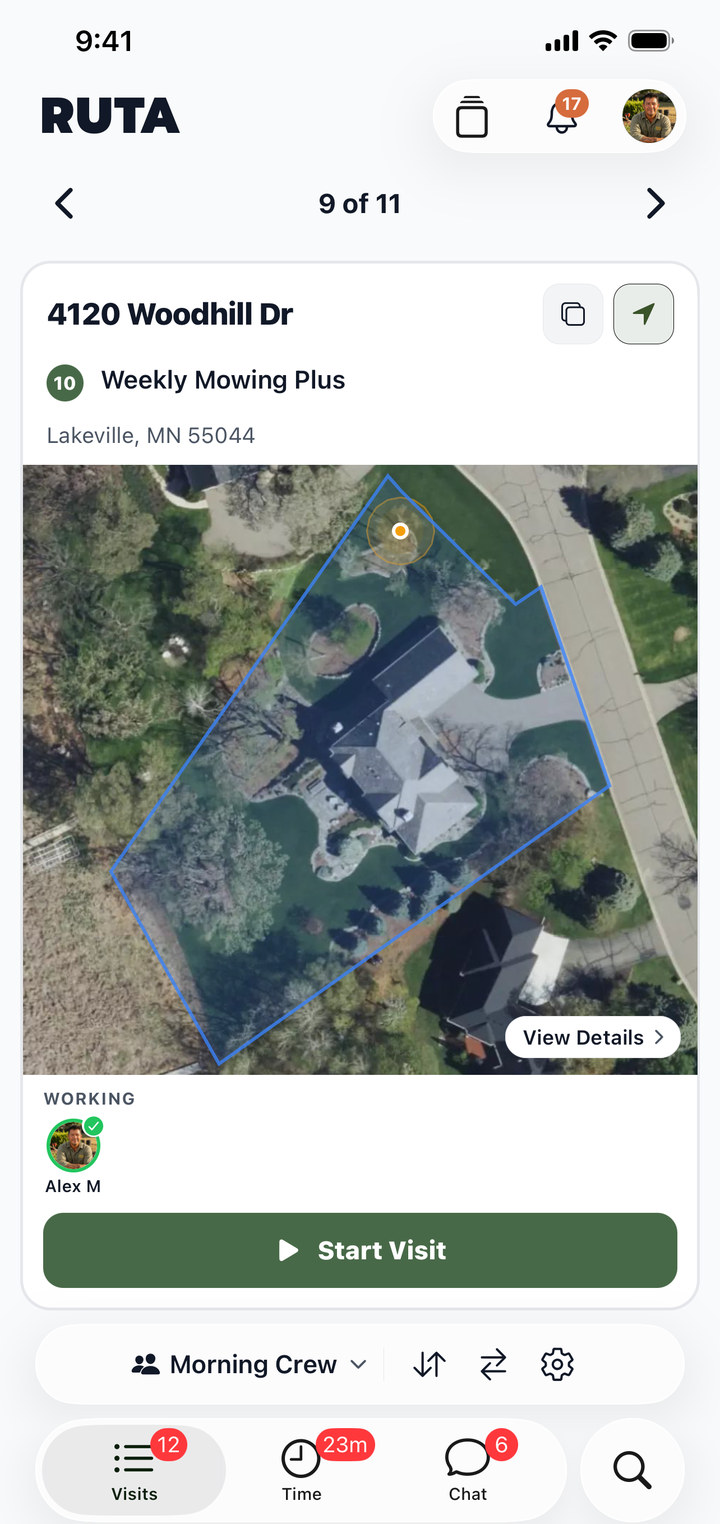
He opens the app and the day is there.
Every stop in the order you set, with the property on the map and the crew already on it. He taps Start Visit and gets to work — in English, or in Spanish.
- Every stop, in the order you set
- The property and the address, on the map
- Start and finish with one tap
Crew appAlex’s Monday
“Does he see the note I left?”
Your note is on the card in his hand.
Gate code, the dog, the hose by the AC — you write it on the visit and it is on his card when he pulls up. What he writes back is in your office before he’s out of the driveway.
- Your notes ride with the visit
- The crew writes back from the truck
- It stays on the property for next time
“What happens when there’s no signal out there?”
He keeps working. It catches up.
Time, photos and notes are held on the phone when the bars go, and land in your office the moment he’s connected again. Nothing to remember, nothing to type twice.
- The day works with no bars
- Nothing to re-enter later
- It syncs when he’s back in range
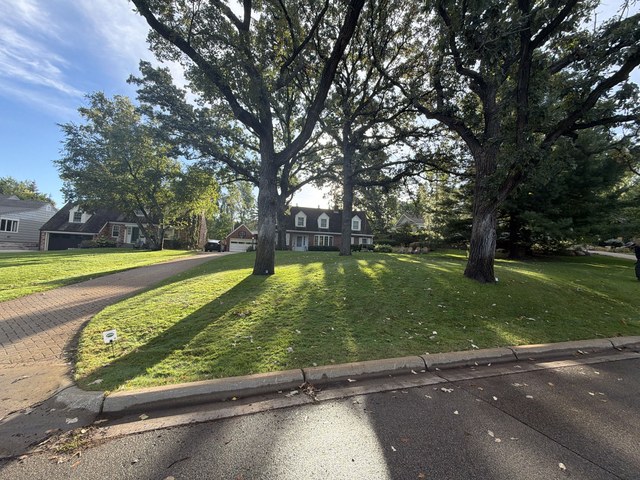
“Where did the crew actually go today?”
Replay the day on the map.
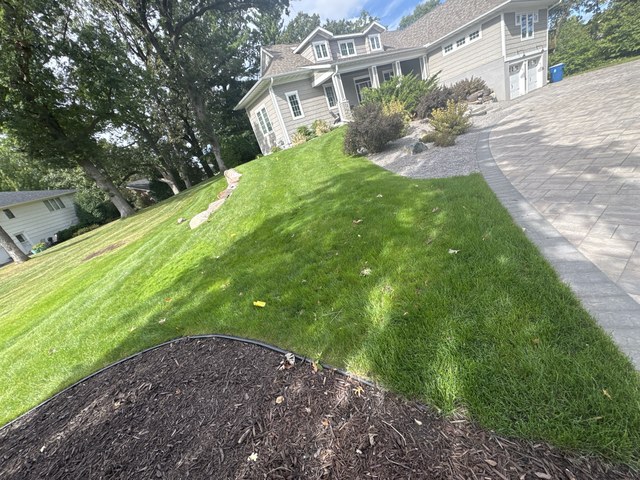
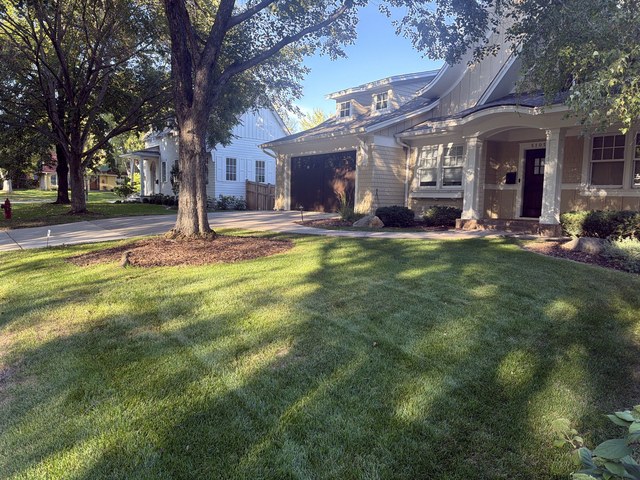
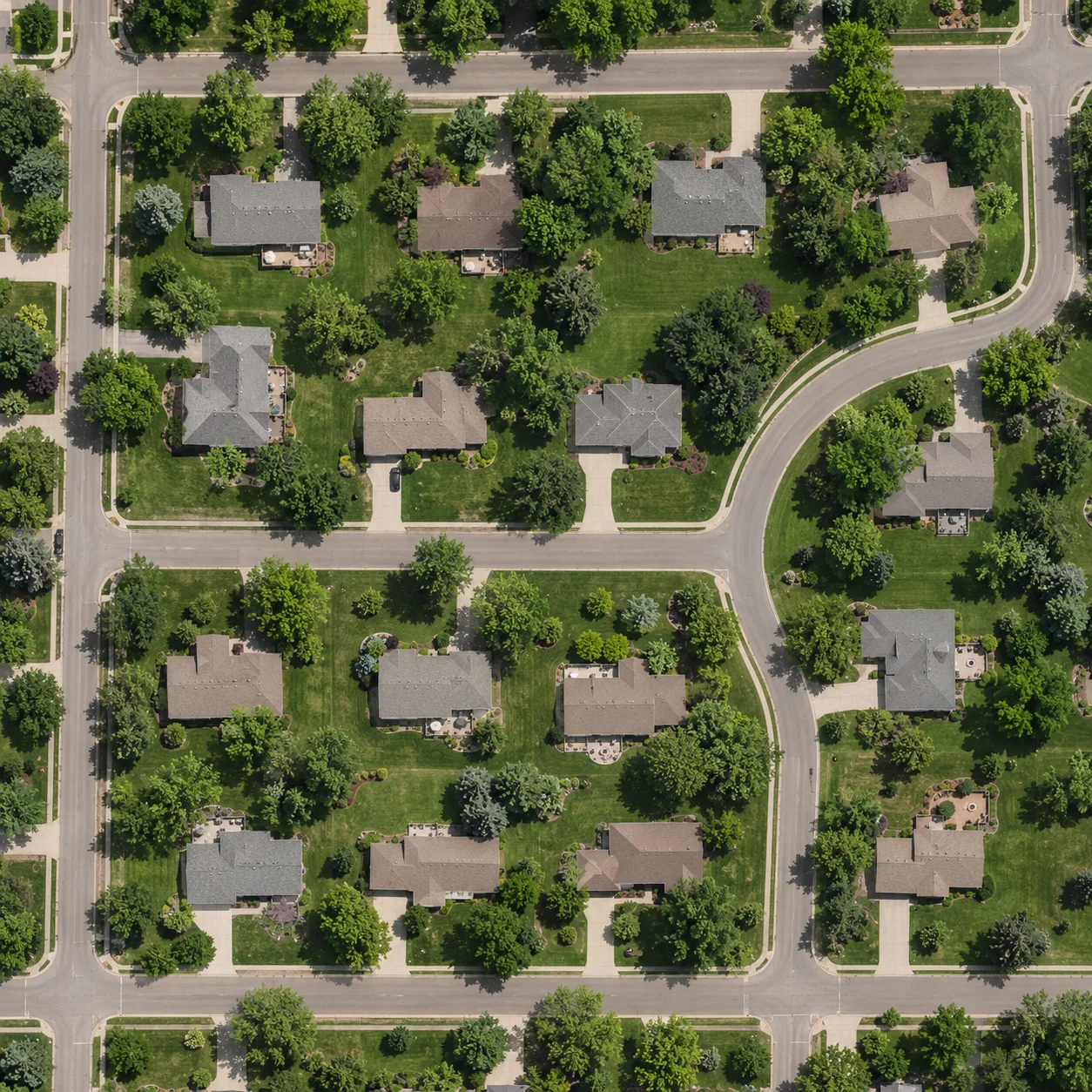
While they work, each crew is a dot on your map. Afterward, the whole day plays back — the route they drove and every stop along it — so a “nobody came” call ends with you looking at the driveway they were parked in.
- Every crew, live on the map
- Play the day back, stop by stop
- The route on the visit, next to its photos
“How do his hours get to payroll?”
He clocks in, and the week adds itself up.
Clock in, breaks, clock out — on the same phone he’s already holding. By Friday the week is totalled for every crew member, with no notebook to read.
- Clock in and out on the phone
- Breaks counted
- The week ready when payroll is
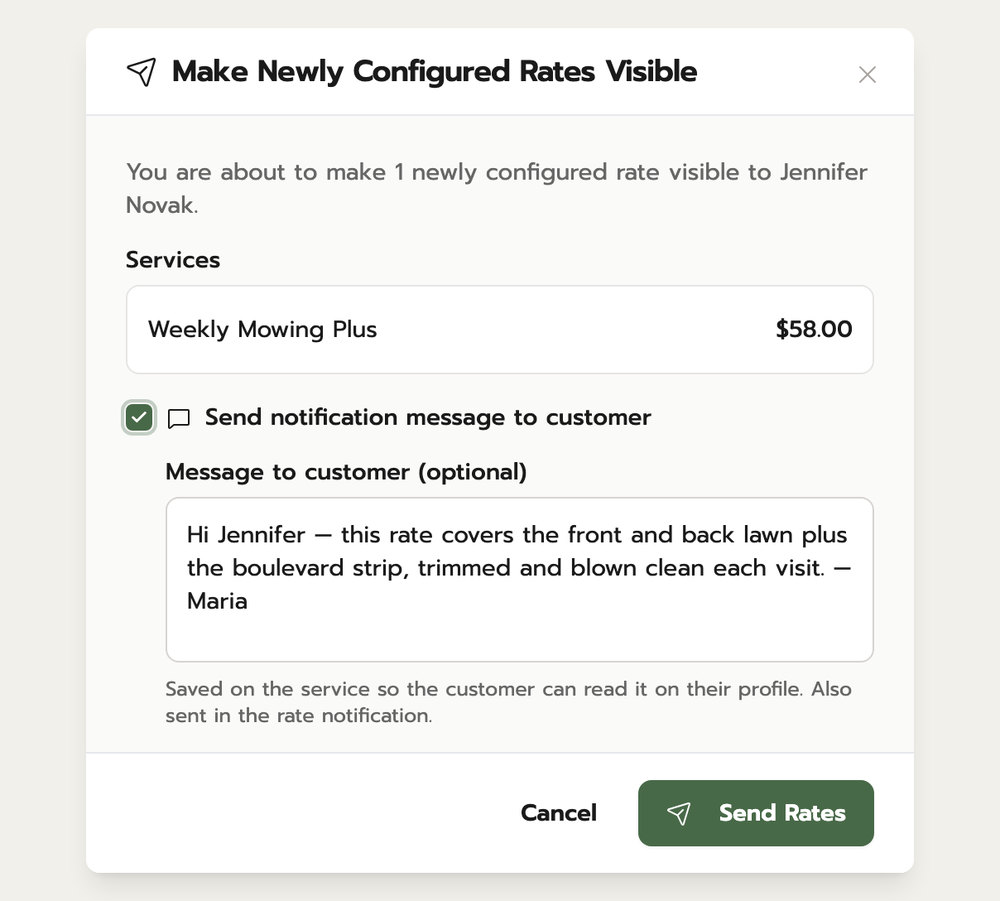
“What if she asks the crew about another service?”
Your admin sends the rate.
The crew leaves the request in the visit notes. Your admin sends the rate, and the customer can activate the service from their customer profile.
- The request stays on the visit
- Your admin sends the rate
- The customer activates it from their profile
Office appAdmin sending rates
What Ruta gives you back
Fewer calls. A crew that can just work.
A crew that isn’t waiting on you.
They open the app and it is all there — the stops, your notes and the work to do. Good people stay where the work isn’t a guessing game.
Customer requests reach the office.
Visit notes keep the customer’s request with the property. Your admin follows up with the rate, and the crew keeps moving.
The trucks are out. Your phone stays quiet.
No more calls askingwhere am I going?what did she want?are you done yet?what are my hours?